PixStitch
Turn a photo into a cross stitch pattern — and stitch it on your phone
Cross stitch app for Android · 32 languages · by AppFactory Studio
English · 한국어
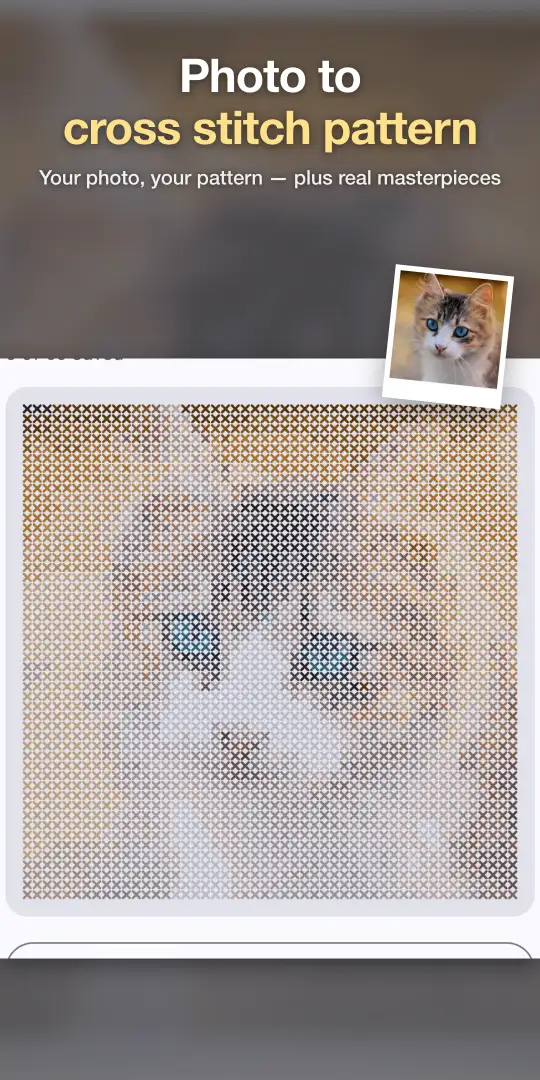
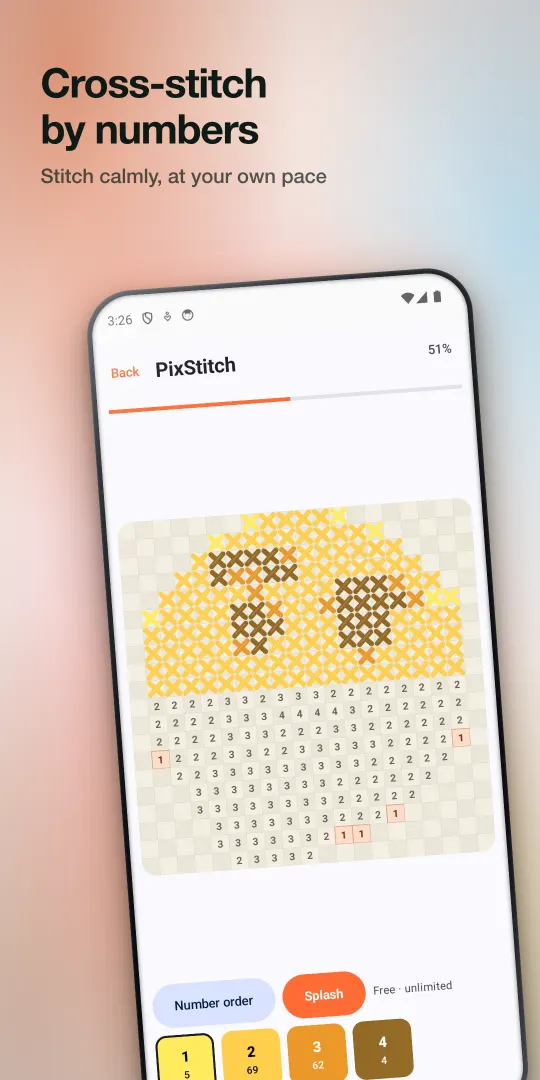
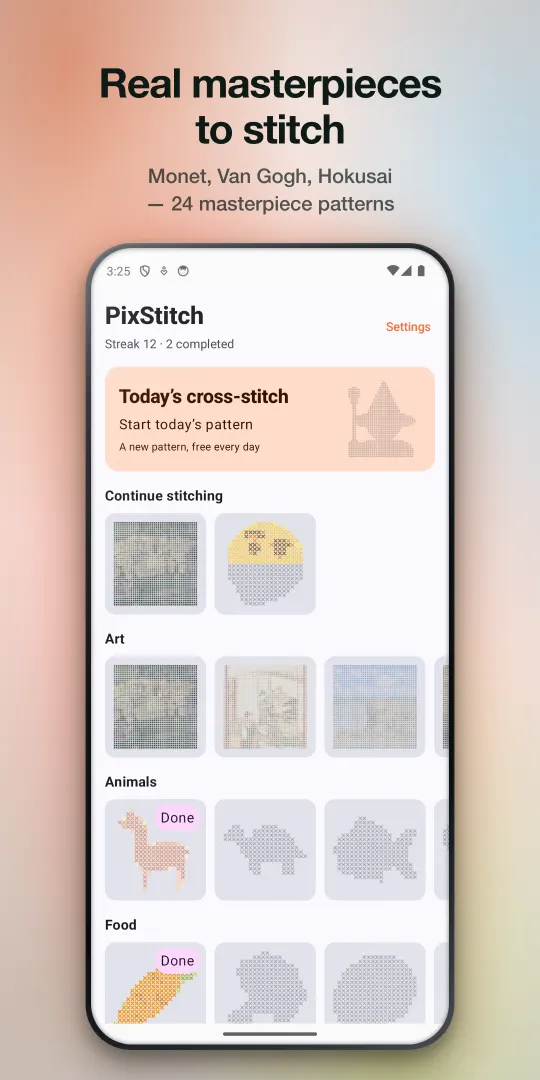
Cross stitch is relaxing, but floss, hoops and printed charts are a lot of setup for a ten-minute break. PixStitch is cross stitch on your phone: tap a color, tap the matching numbered cells, and watch a picture appear one X at a time. Start from your own photo, a themed pattern, or a real masterpiece.
Get PixStitch on Google Play
Free · optional one-time packs · no subscription · Android
What it does
- Photo to pattern — pick a photo, choose 30, 40 or 50 stitches per side and 12–24 colors, and preview the pattern before you save it.
- 400+ patterns in 14 themes — Animals, Food, Nature, Travel, Space, Hearts and more, all built into the app.
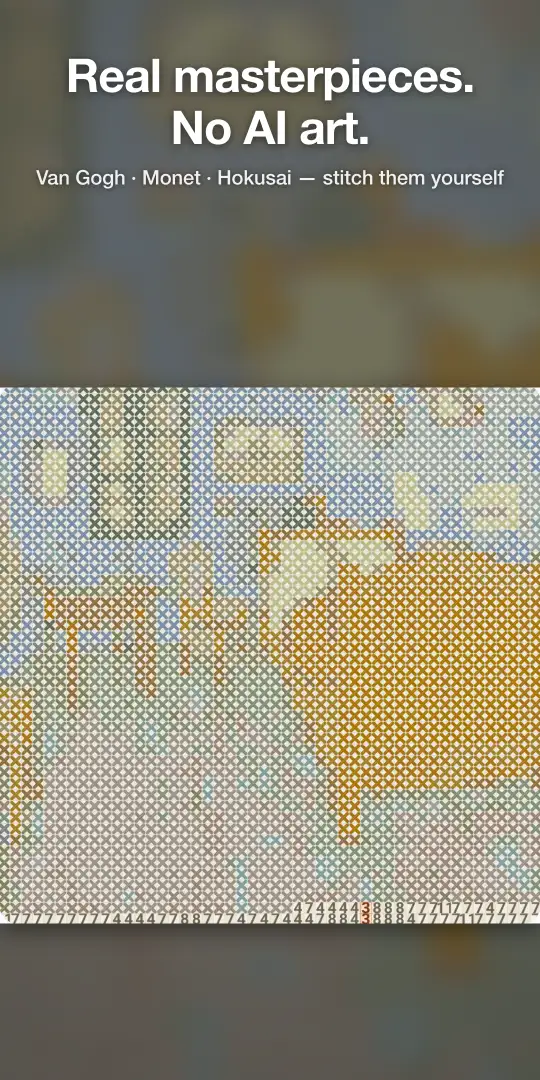
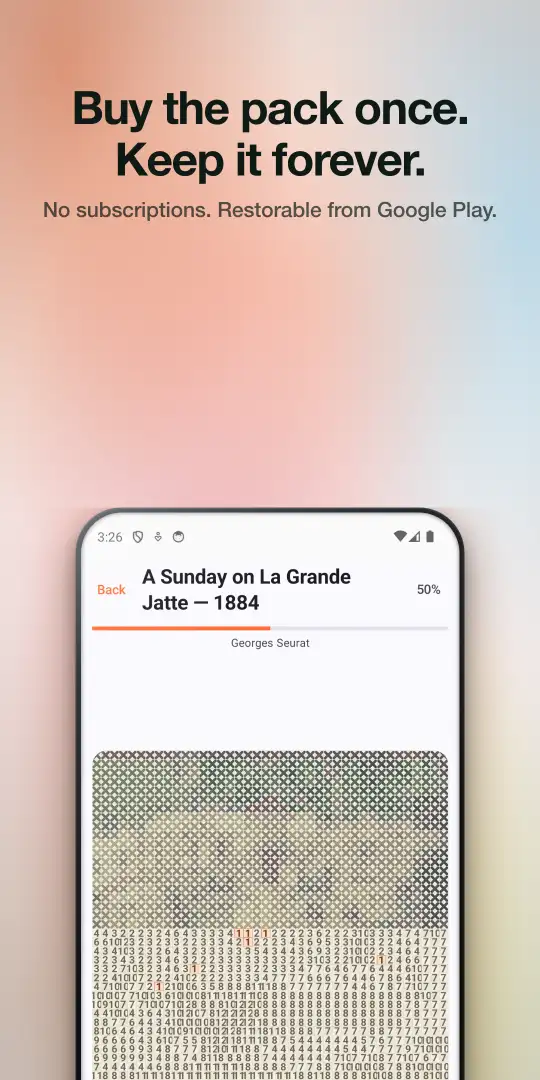
- 48 public-domain masterpieces — Van Gogh, Monet, Hokusai, Cézanne, Renoir and others. Some are free; the rest come in two one-time packs.
- Relax mode or Classic mode — in Relax mode thread only lands on matching cells; in Classic mode you stitch freely and unpick mistakes anytime.
- Comfort options — Large Numbers for easier reading, and Splash to fill a whole color at once when you want a shortcut.
- Daily Stitch — a new pattern every day, with a streak if you like that sort of thing.
- Share your finish — export the completed piece as an image of stitched fabric.
What it is not
PixStitch is a digital stitching app. It doesn't print charts or match colors to DMC/Anchor floss, so it isn't a replacement for a pattern designer if you plan to stitch on Aida fabric. If that's your goal, our photo-to-pattern guide covers the tools built for it — and PixStitch is still a quick way to preview how a photo looks at 30–50 stitches.
Honest pricing
The app is free. The free version shows a full-screen ad after you finish a pattern — never while you're stitching, never as a banner over the canvas, and not until you've finished two patterns. The Masterpieces packs (19 and 21 more paintings) are one-time purchases, and All Access unlocks both plus future packs. Buying any pack removes ads and raises your photo-pattern slots to 60. No subscription, no account.
FAQ
- Can PixStitch turn my own photo into a cross stitch pattern?
- Yes. Pick a photo, choose the size (30, 40 or 50 stitches per side) and the number of colors (12, 16, 20 or 24), and PixStitch builds a square stitch-by-number pattern that you stitch on screen.
- Can I print the pattern or get DMC floss numbers?
- No. PixStitch is a digital cross stitch app — you stitch on your phone. It does not export printable charts or map colors to DMC or Anchor floss. For fabric stitching, use a dedicated chart maker (see our photo-to-pattern guide).
- Is it free?
- Yes. 400+ built-in patterns, the Daily Stitch and photo patterns are free. The free version shows a full-screen ad after you finish a pattern (never while you stitch, and not for your first two finished patterns). Optional one-time packs unlock more masterpieces and remove ads. There is no subscription.
- How many photo patterns can I keep?
- My Patterns holds 3 photo patterns to start. Watching a short video adds one more slot (up to 7 extra), and owning a pattern pack raises the limit to 60.
- Are the patterns AI-generated?
- No. The masterpieces are converted from public-domain paintings (Van Gogh, Monet, Hokusai, Cézanne, Renoir and more), and the themed patterns are curated pixel art.
- Does it work offline? Do I need an account?
- All built-in patterns live in the app, so you can stitch in airplane mode. There is no account or sign-up; your gallery is stored on your device.